Every product you uploadgets a video. Automatically.
Connect your Shopify store once. The next time you add a product, we ship a 36-second cinematic ad to your inbox. You go back to running your store.
From product upload to finished ad in under 60 seconds.
Upload your product
Add a product to your Shopify store like you always do. The webhook fires the moment you hit save.
Gemini reads, Shotstack renders
Gemini analyzes the photos and writes the on-screen copy. Shotstack renders a 36-second cut at 1080p while you go make coffee.
Email lands. Done.
The finished MP4 shows up in your inbox in under a minute. Post it, embed it on the PDP, or describe what to change and let the Director re-cut it.
Watch one product become a cinematic ad.
Real Shopify-style run. One product, the same pipeline a paying merchant gets. Watch it actually render.
Generate a video from one product.
Sample Nike product, full pipeline end-to-end — Gemini analyzes the imagery, Shotstack renders the Cinematic Showcase template, and the finished MP4 plays right here. No keys, no setup.
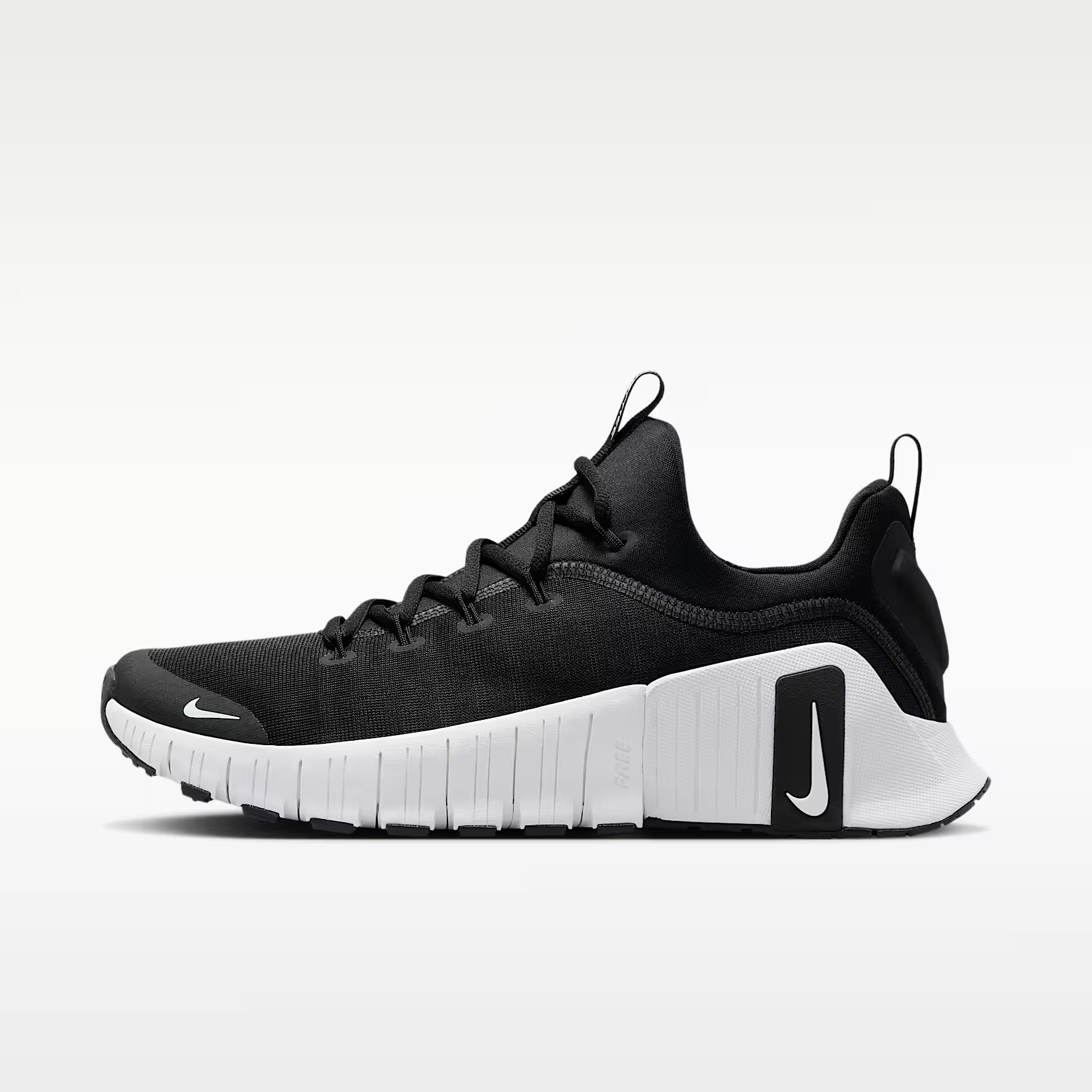
 01
01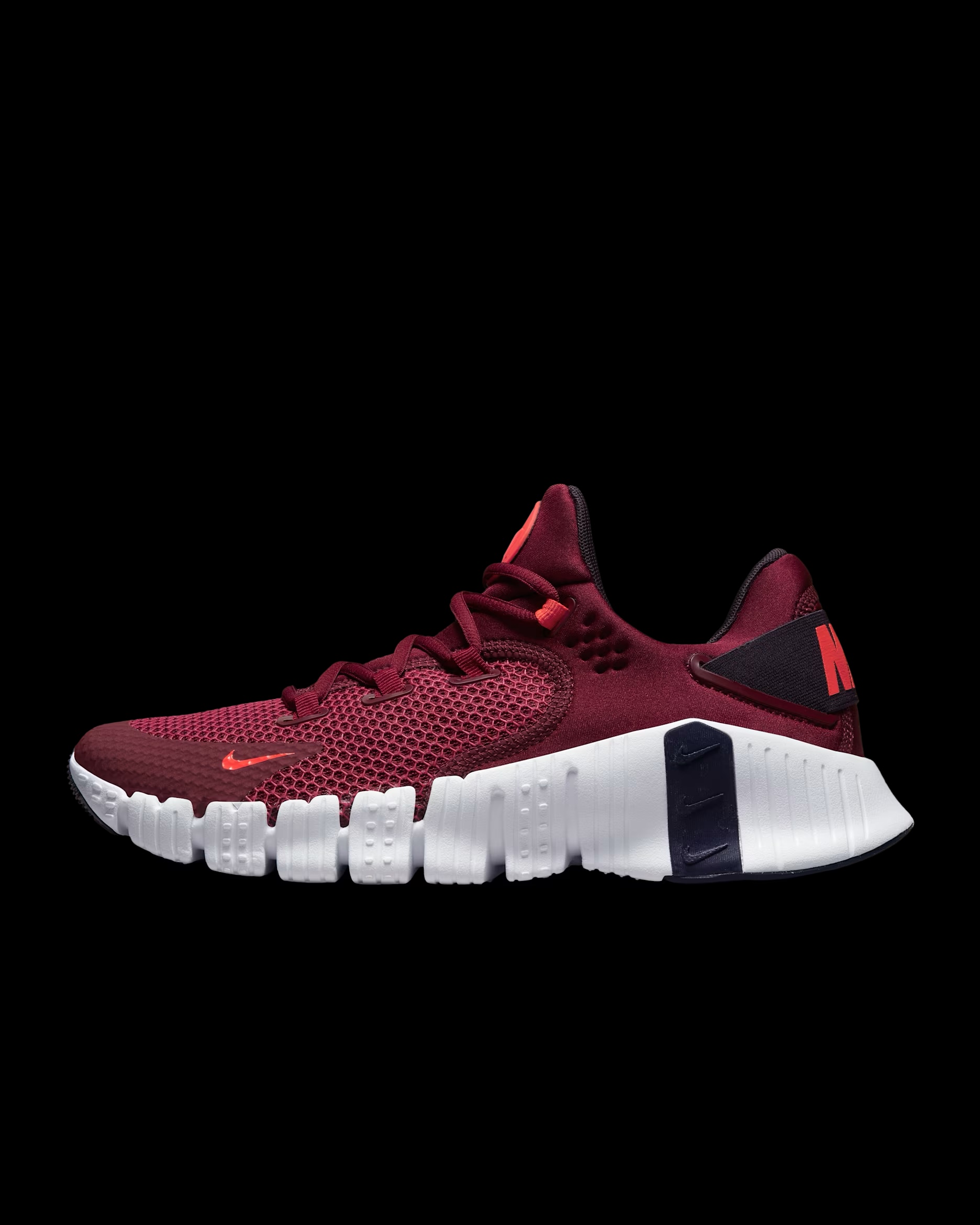 02
02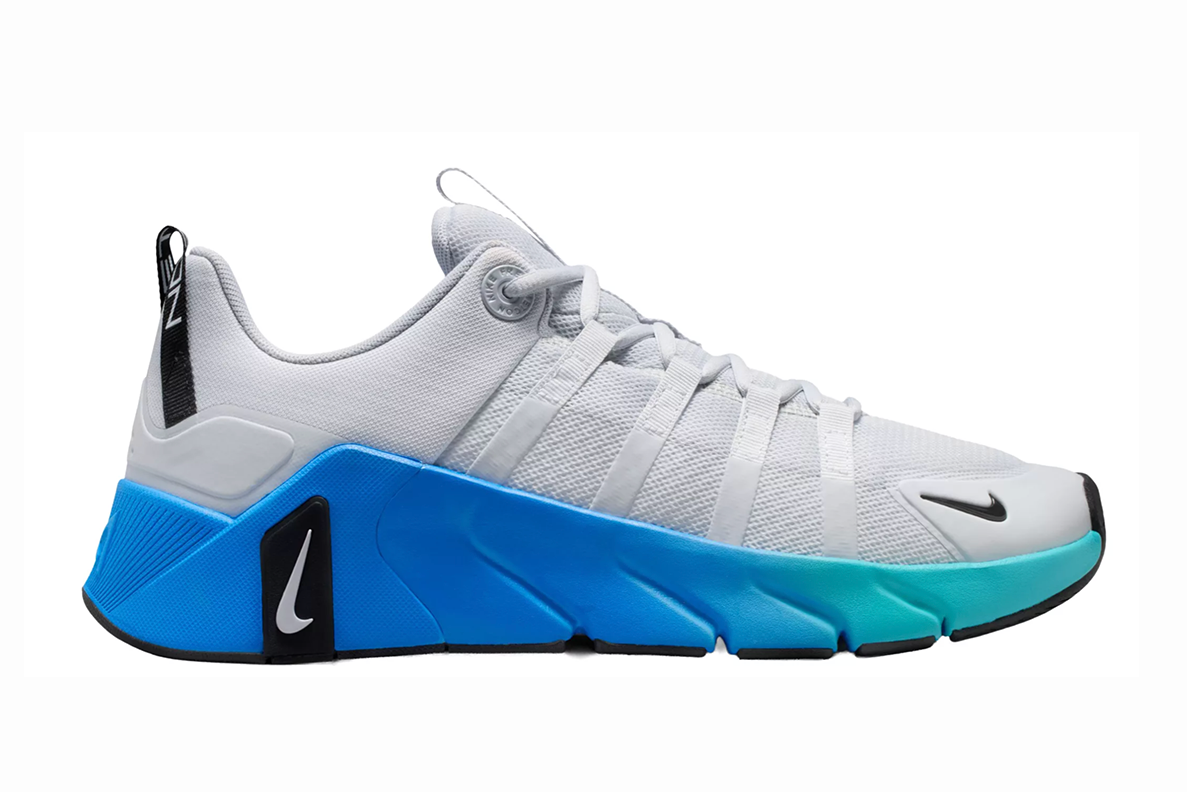 03
03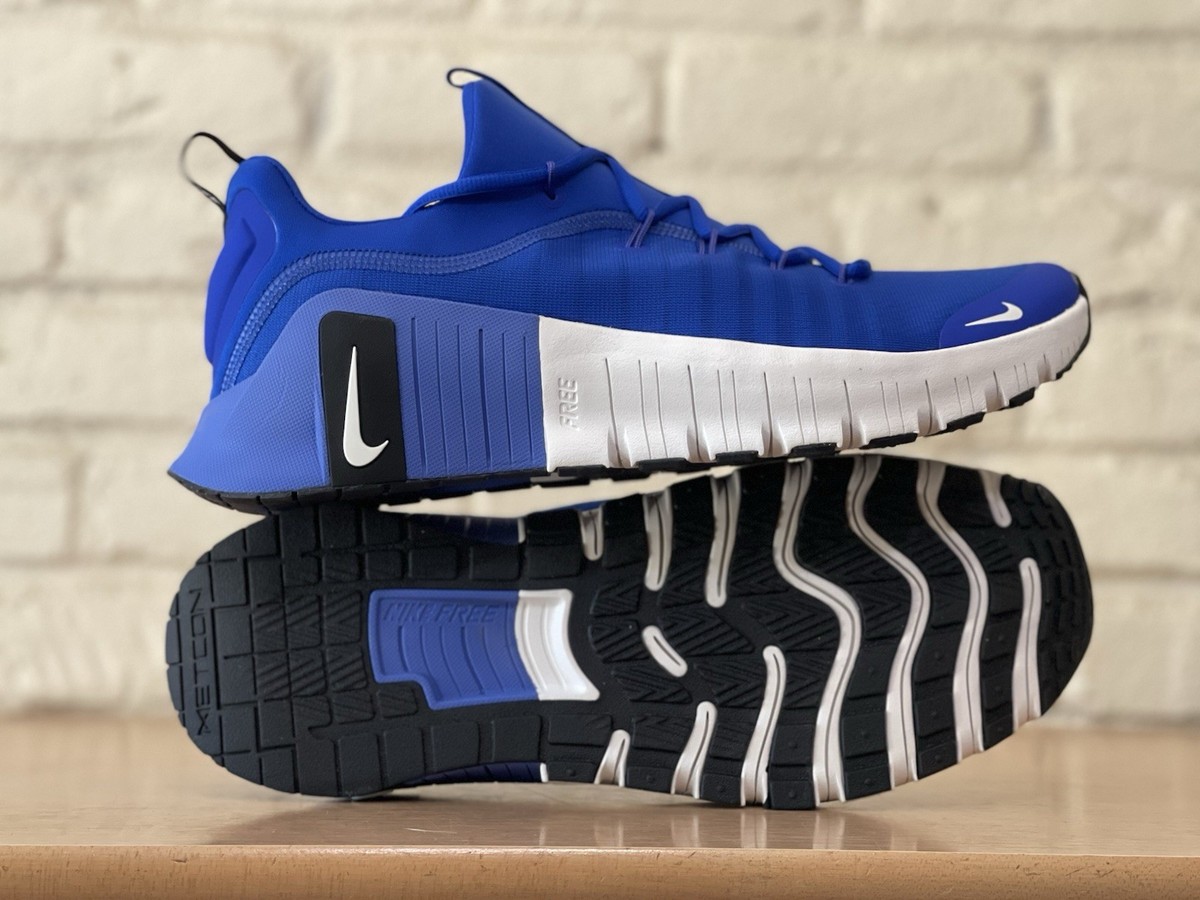 04
04Paste a Shopify product URL — get a finished video in 30 seconds.
Works with any public Shopify store. We hit /products/<handle>.json, run Gemini on the product, then render the Cinematic Showcase template. You don't need to log in or install anything.
Bad source photos make bad video ads. So we fix the photos first.
A lot of merchants upload low-res product photos. Some pull them off Google at 144p. Before we render anything, each image goes through Nano Banana (Gemini 2.5 Flash Image) for a quality pass. Same shot, sharper pixels.
drag the slider to compare
 enhanced
 before
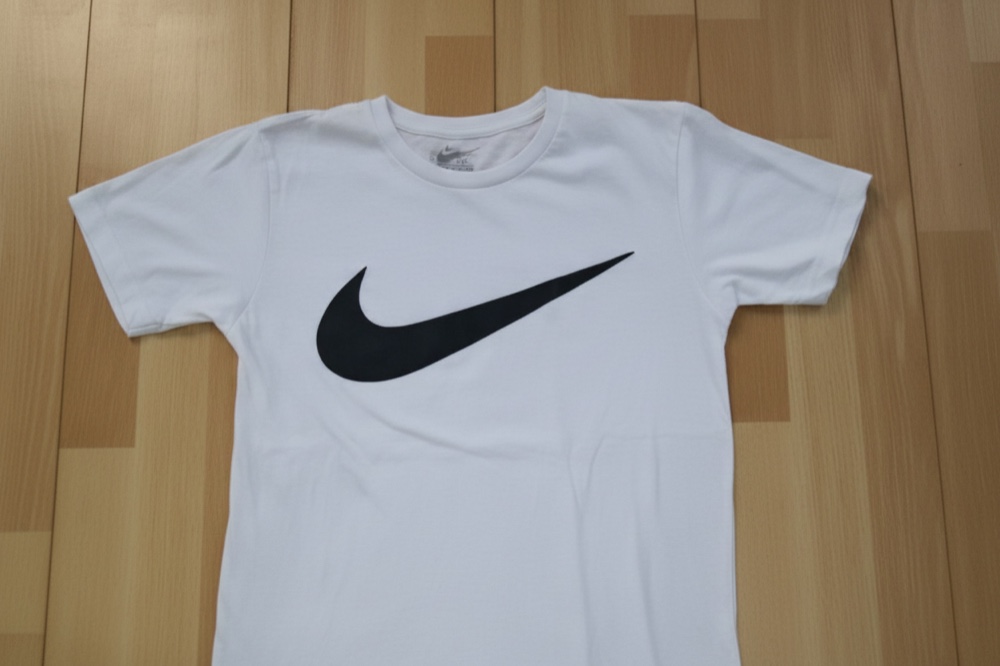 enhanced
 before
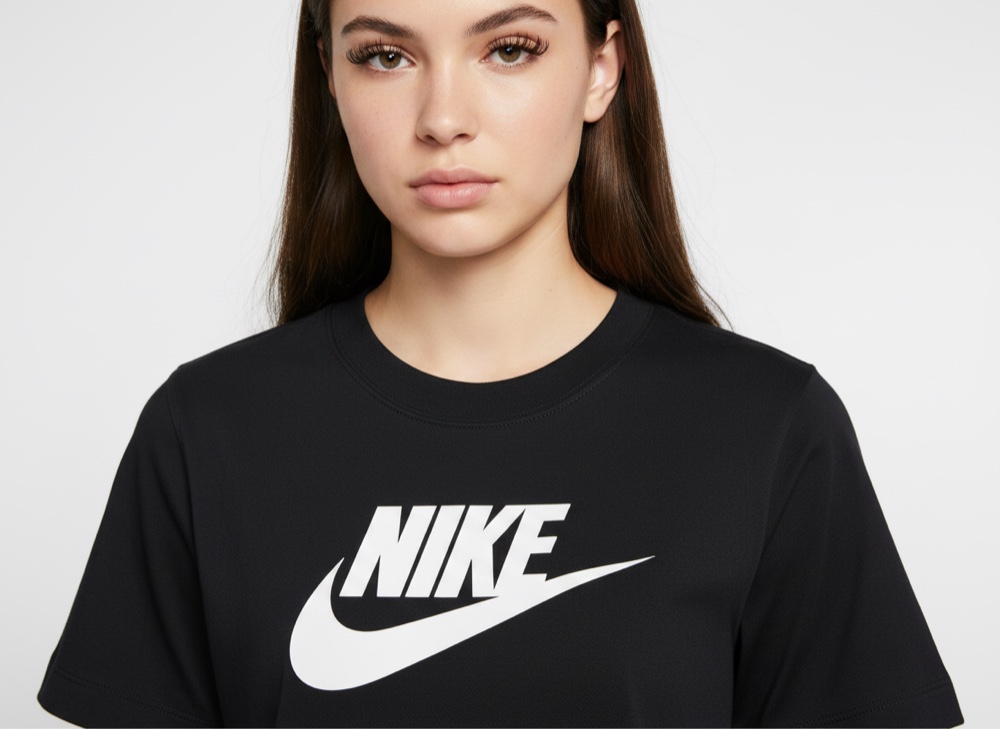 enhanced
 before
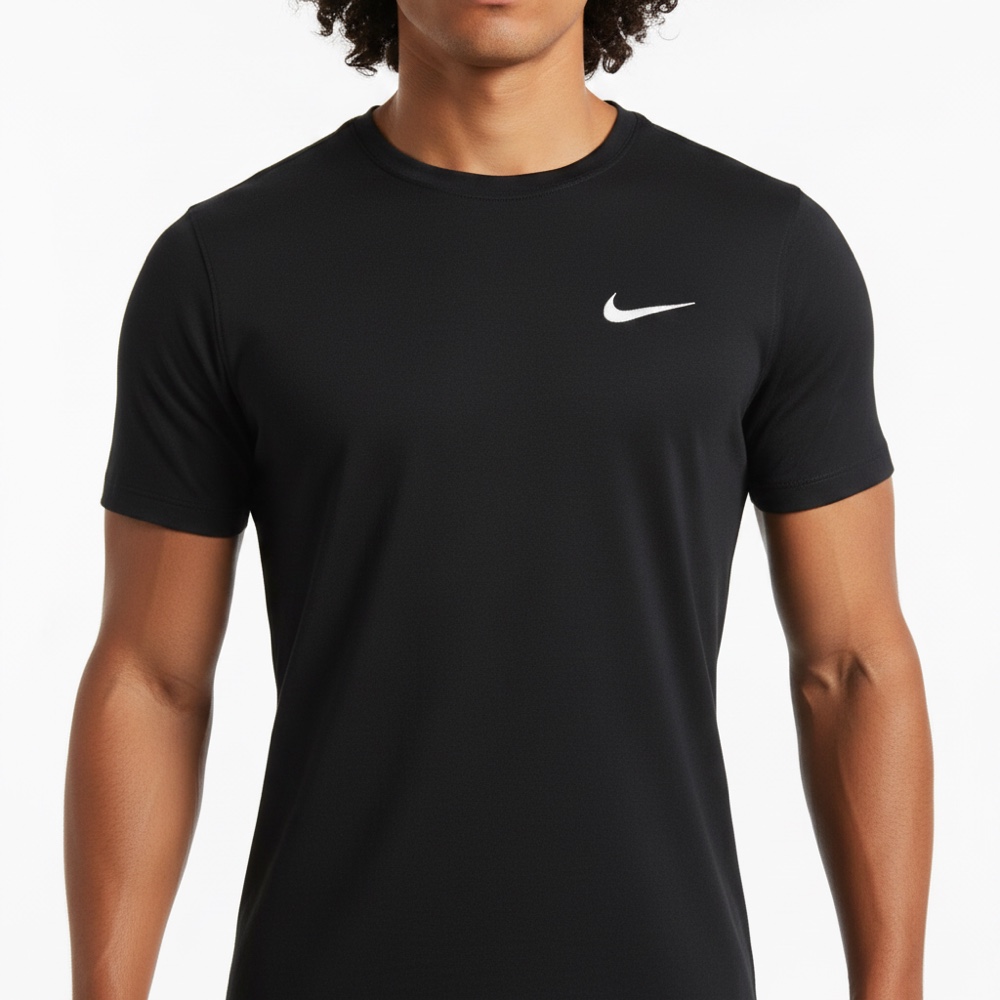 enhanced
 before
Install once. Every new product auto-renders.
The pipeline (webhook, Gemini, Shotstack, email) is already running in production. The one-click install on this card isn't. That part is a mockup. We onboard pilot merchants manually for now. If you have a catalog and want videos today, the backfill section below works without install.
Preview the install flow
Click through what the real install will feel like once we ship the public Shopify App. Pilot merchants today get onboarded manually via Slack.
Paste any public Shopify product URL into the Scrape section to see the pipeline run on a real product.
None of the templates feel right? Just describe it.
Brief the video like you'd brief a producer. Tell it the mood you want, films it should feel like. The chat below is a mockup right now. The part that actually reads what you wrote and re-cuts the video is what we're building next.
- Talk like you would to a producer.
- Reference moods or films, not effects.
- One brief, one re-render. Try again if it misses.
Three minutes from clone to live.
Deploy to Vercel
One click. We provision Shotstack and Gemini env vars and ship a webhook endpoint.
npx productreel deploy --target vercelAdd the Shopify webhook
Paste the generated URL into Shopify · Settings · Notifications · Webhooks.
https://yourstore.productreel.app/api/hooks/product-createdAdd a product. Get the video.
Hit save on a new Shopify product. A 36-second cinematic ad lands in your inbox before you finish your coffee.
avg time-to-inbox · 45 secondsAlready have a store? Render your catalog right now.
Paste any Shopify store URL. We grab the first 5 products from the public catalog and run them through the same pipeline a paying merchant gets. You don't have to install anything or hand over OAuth.
/products.json with anti-bot. Those need the Admin API + OAuth route, which is on the way.